Hundreds of documents, no filters that helped find them. I redesigned it end-to-end — custom filters, bulk actions, universal search.
{{ st.l }}
{{ st.v }}
↓ scroll
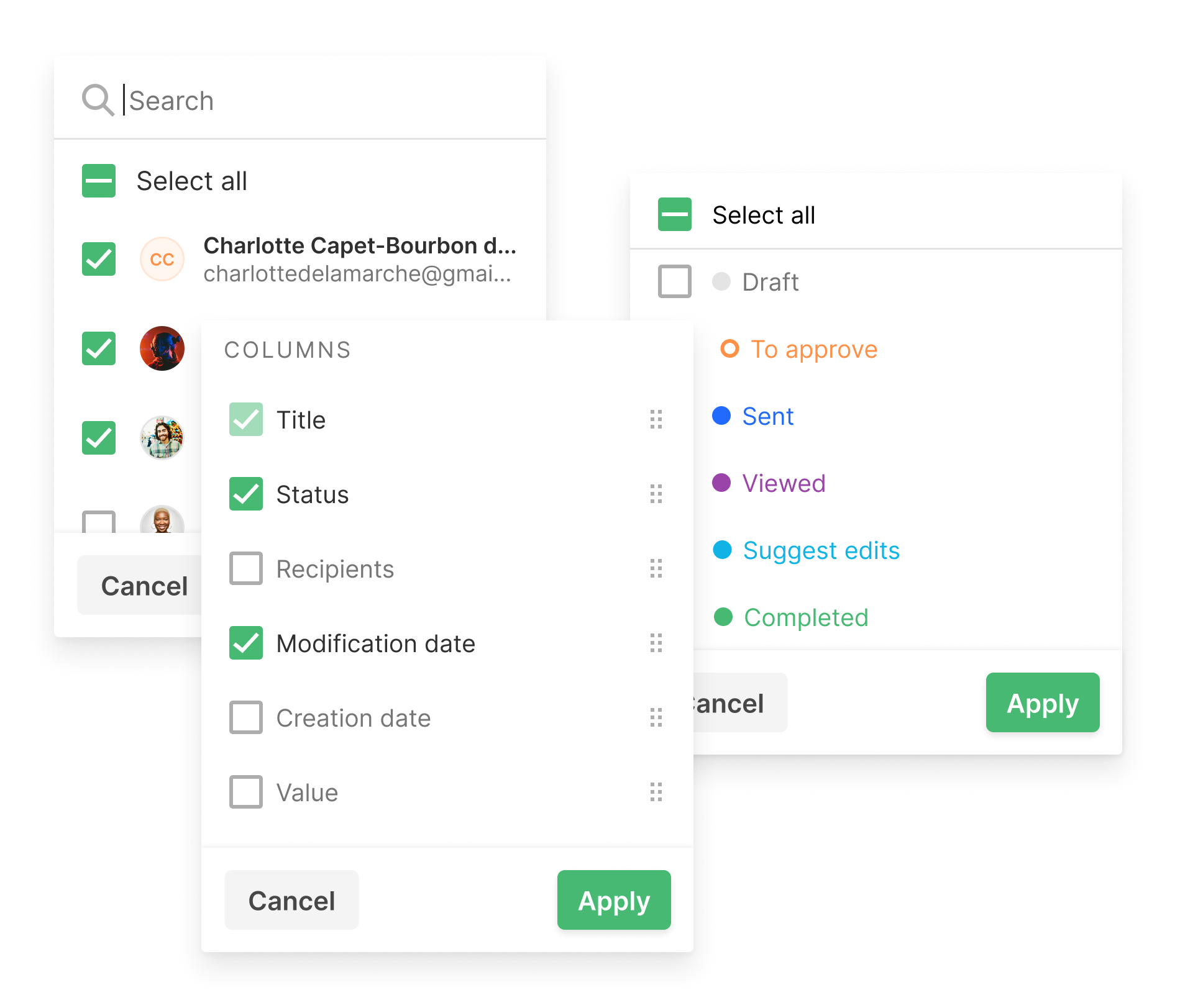
Product Overview
The Repository is PandaDoc’s central hub for all previously created documents. Unlike Home, which focuses on active tasks, the Repository is retrospective — used to find past work, reuse templates, and manage the content library.
For companies generating 40+ documents a week, managers had access to hundreds of documents. Finding the right one — and managing it efficiently — was a daily source of friction.
Project timeline — 4 months
{{ t.t }}
Month 1
Months 2–3
Month 4
Research methods
{{ m.t }}
{{ m.d }}
Users
{{ a.name }}
{{ a.roleLine }}
When{{ j.w }}
I want to{{ j.i }}
So I can{{ j.so }}
{{ j.note }}
Stage
User action
Emotion
Pain point
Design response
{{ st.num }}{{ st.name }}
{{ st.action }}
{{ st.emotion }}
{{ st.pain }}
{{ st.response }}
Problems
{{ p.n }}
{{ p.descPre }}{{ p.descHl }}{{ p.descPost }}
+
Key Decisions
{{ d.fig }}
{{ d.tPre }}{{ d.tHl }}{{ d.tPost }}
+
The Outcomes
{{ o.n }}
{{ o.delta }} {{ o.delta2 }}
+
The Learnings
{{ l.n }}
{{ l.tPre }}{{ l.tHl }}{{ l.tPost }}
+